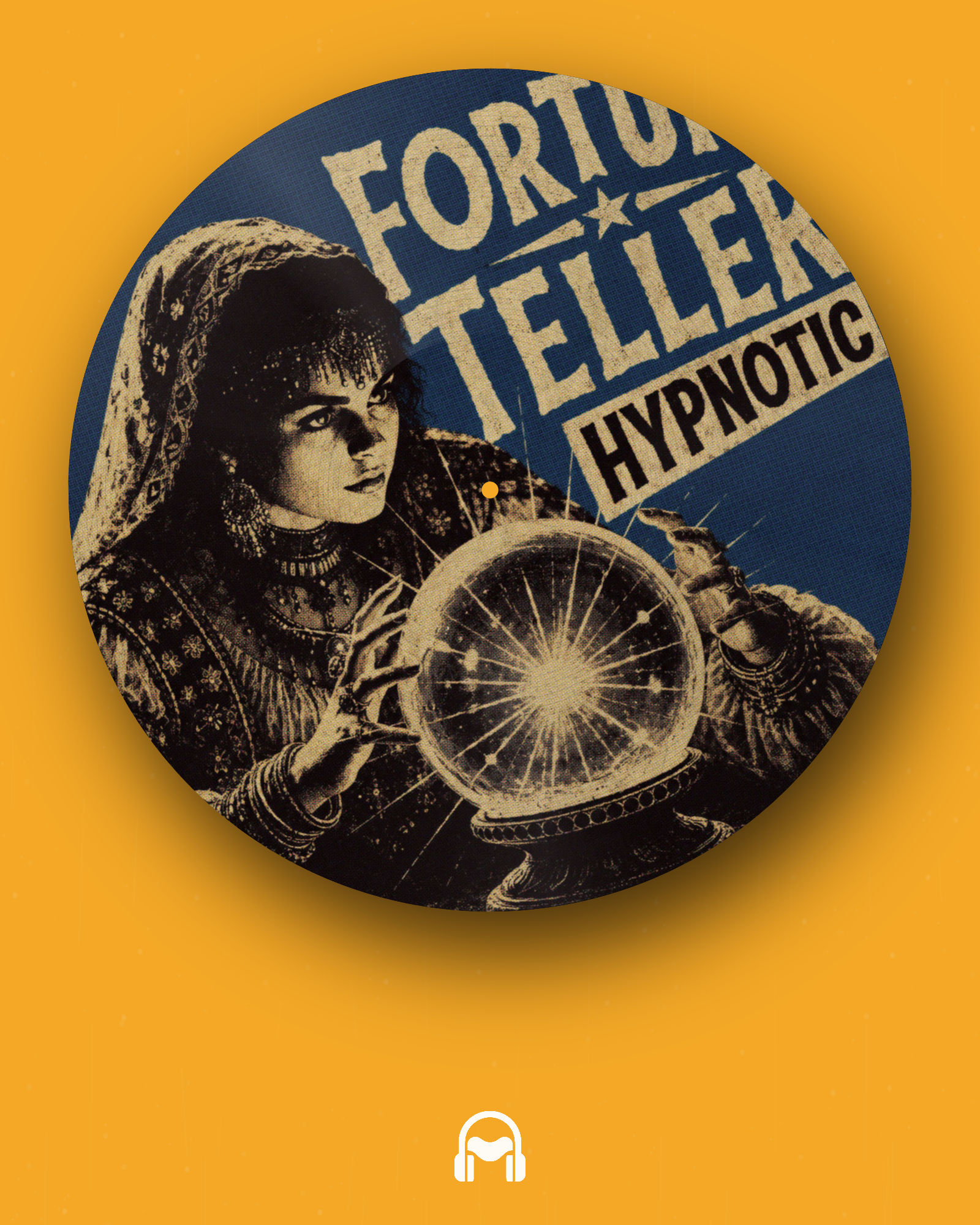
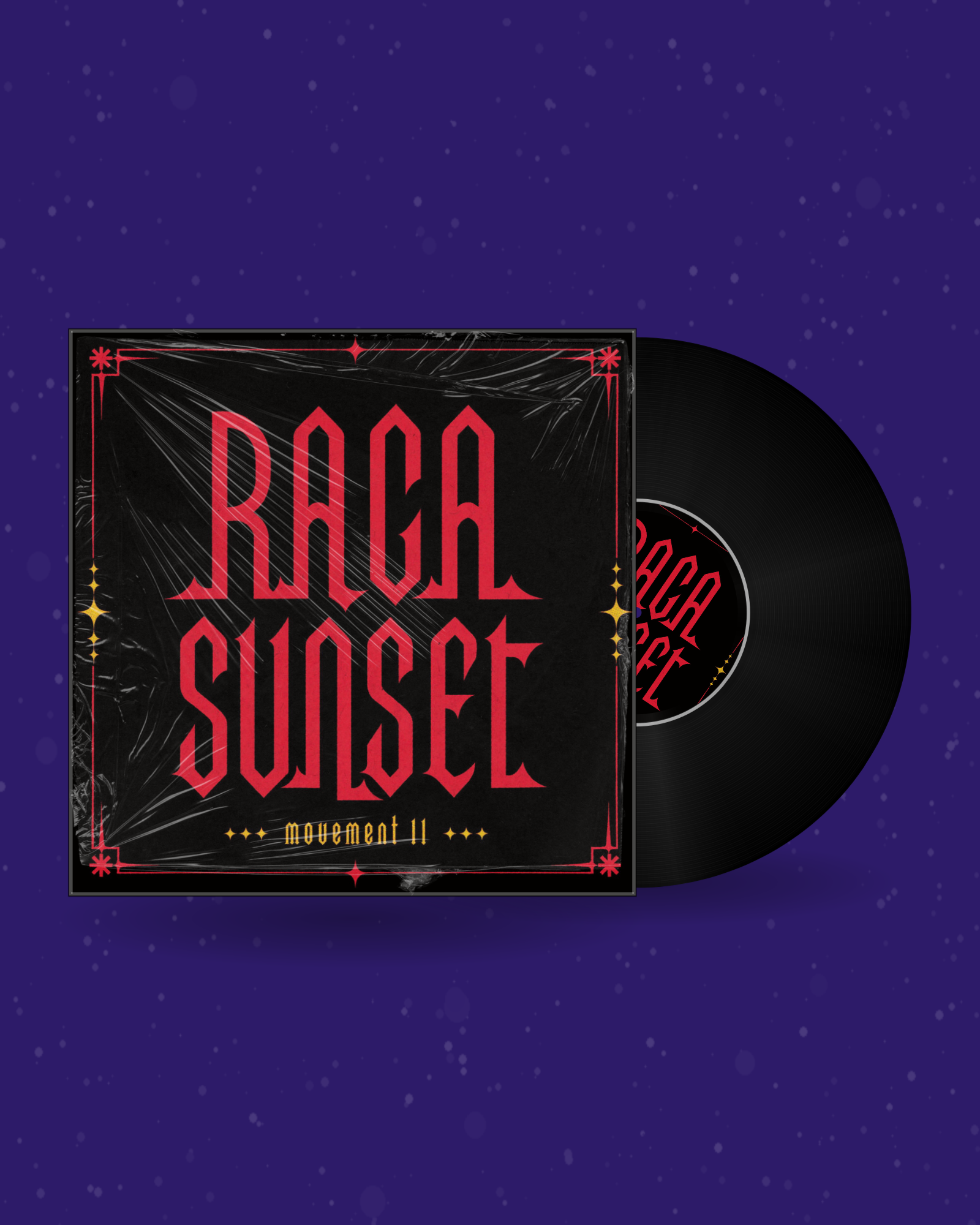
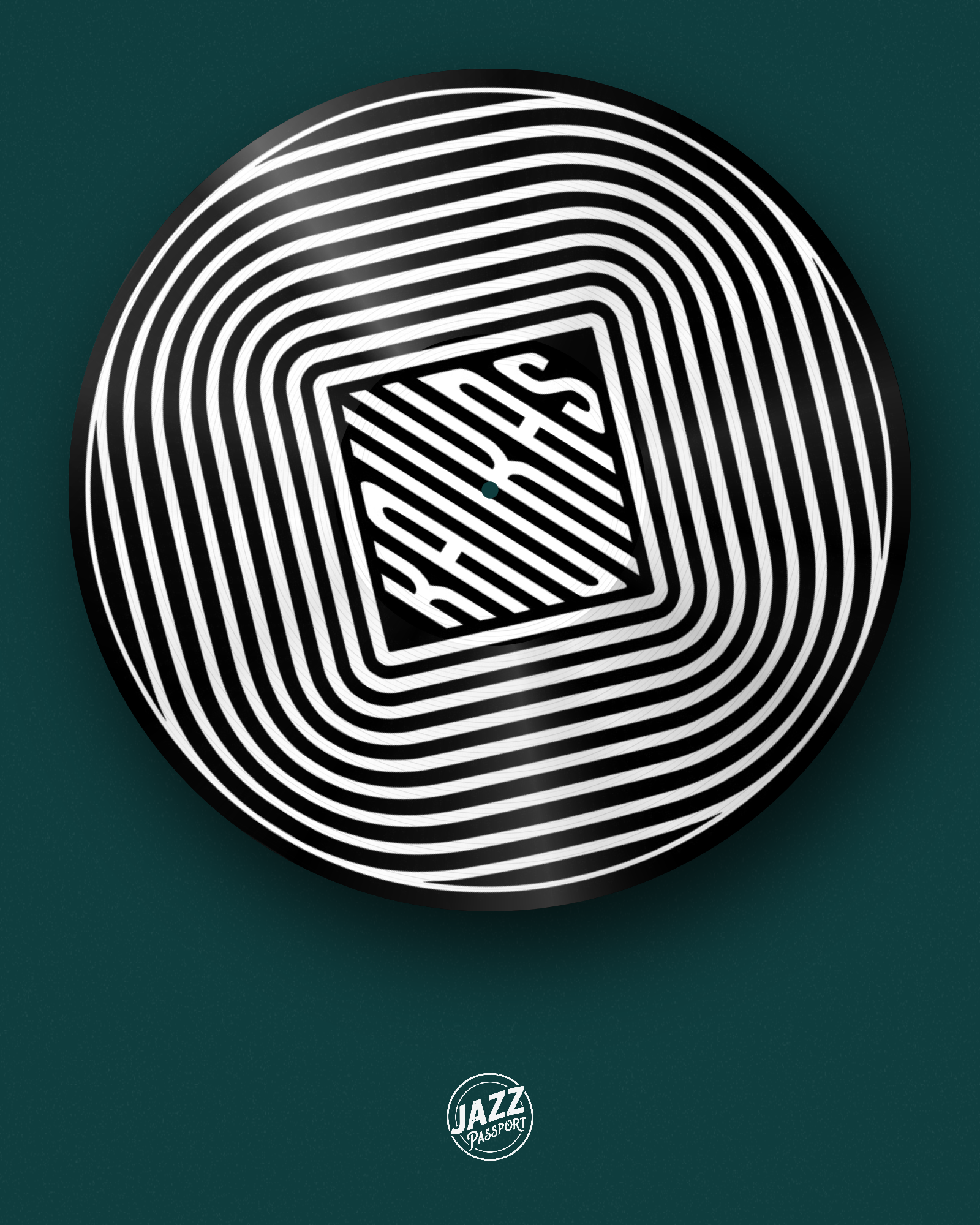
What a spinning vinyl generator does
A spinning vinyl generator takes one flat image — your album cover — and turns it into a rotating record you can actually post. No timeline, no keyframes, no plugins: upload the artwork, style the pressing, and the vinyl animation is rendered frame by frame right in your browser. What comes out is a clean MP4 — or a GIF, or a Spotify Canvas — sized for the platform you are posting to.
It exists for the moment a release goes live and you need something with motion: a spinning vinyl record with your art on the label, a looping animation for the announcement post, an animated disc to drop into a chat. Everything is generated locally, so unreleased artwork never leaves your device.
How to make a spinning vinyl video
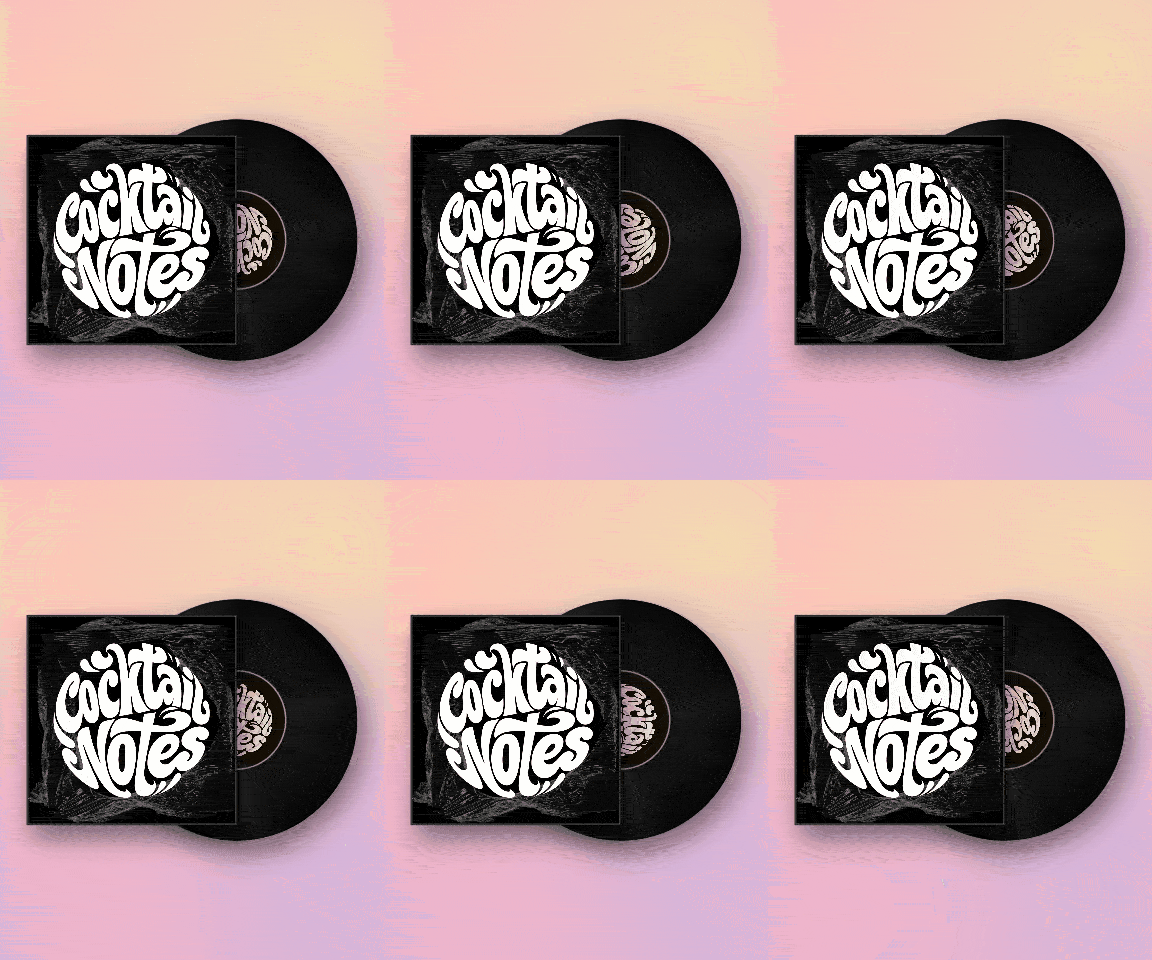
- Upload your cover art. Any square JPG or PNG — 1200×1200 px or larger. Separate artwork can go on the record label, and an inner sleeve can carry a third image.
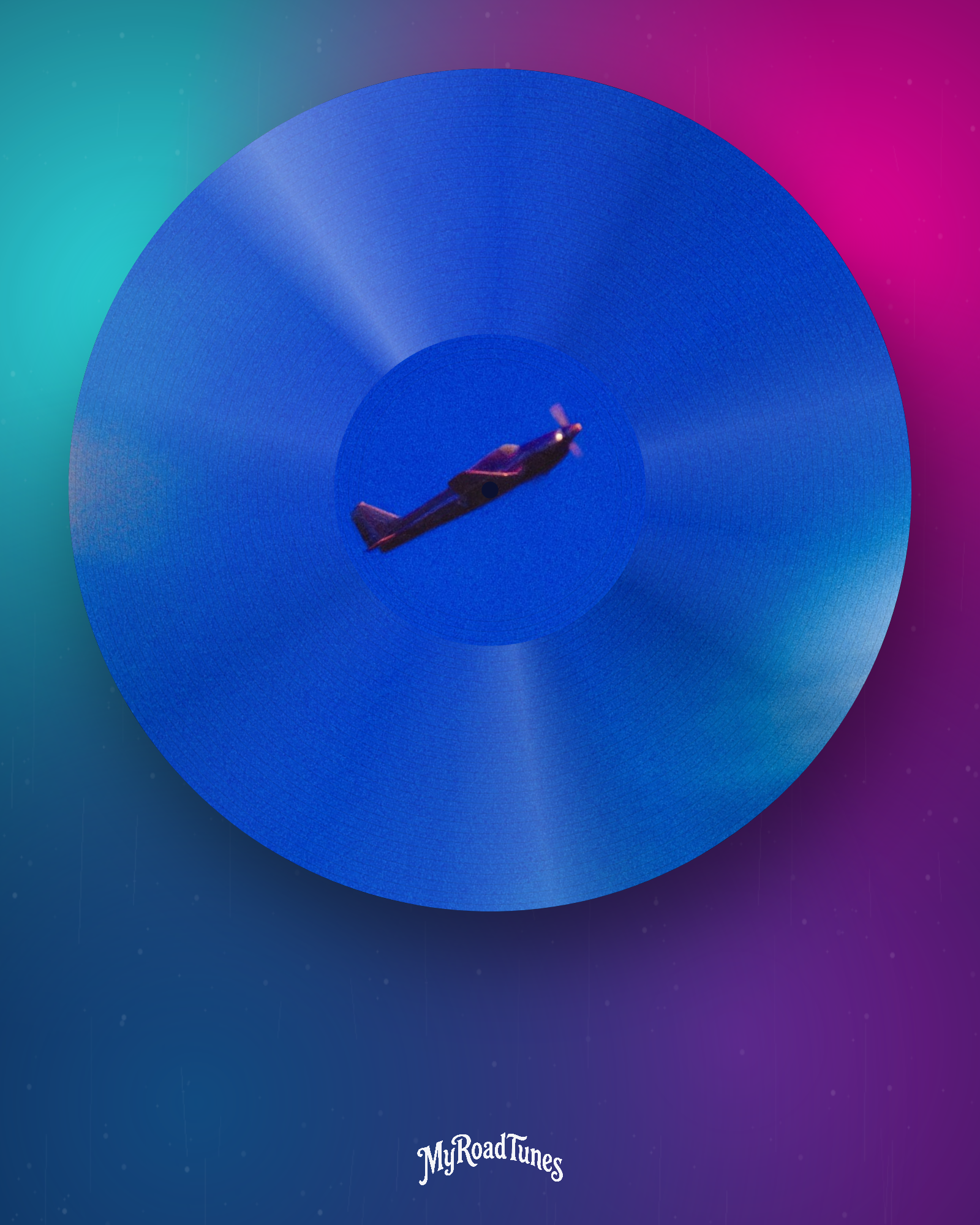
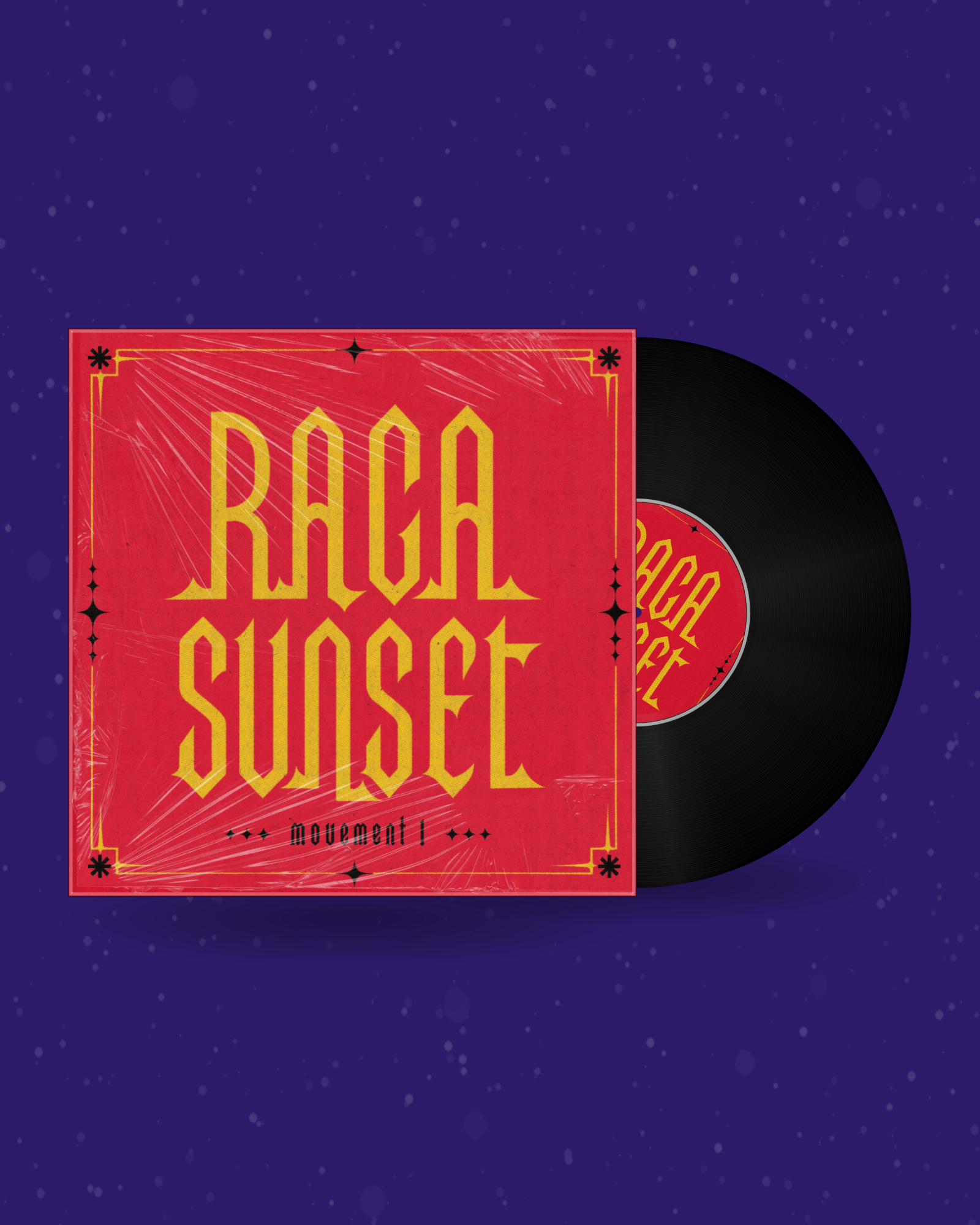
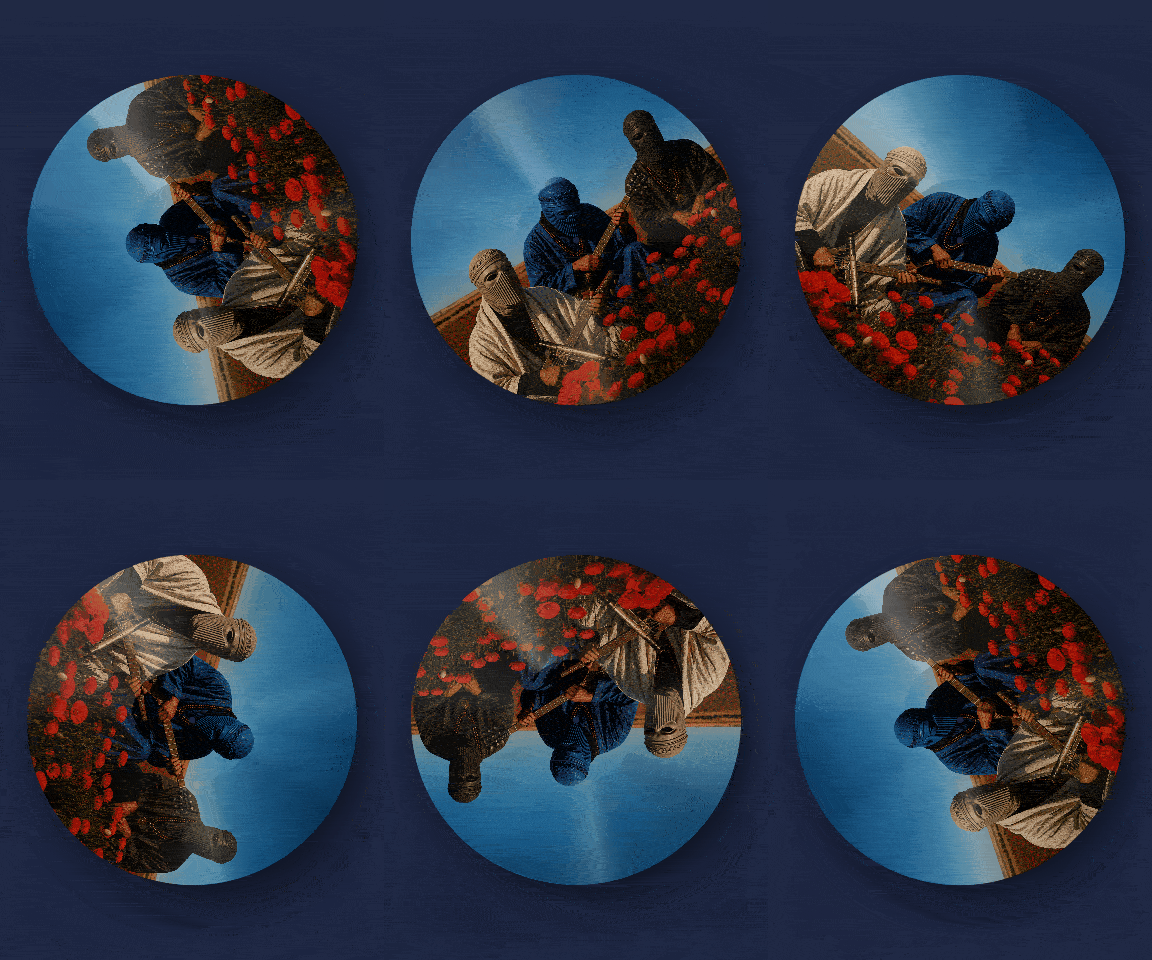
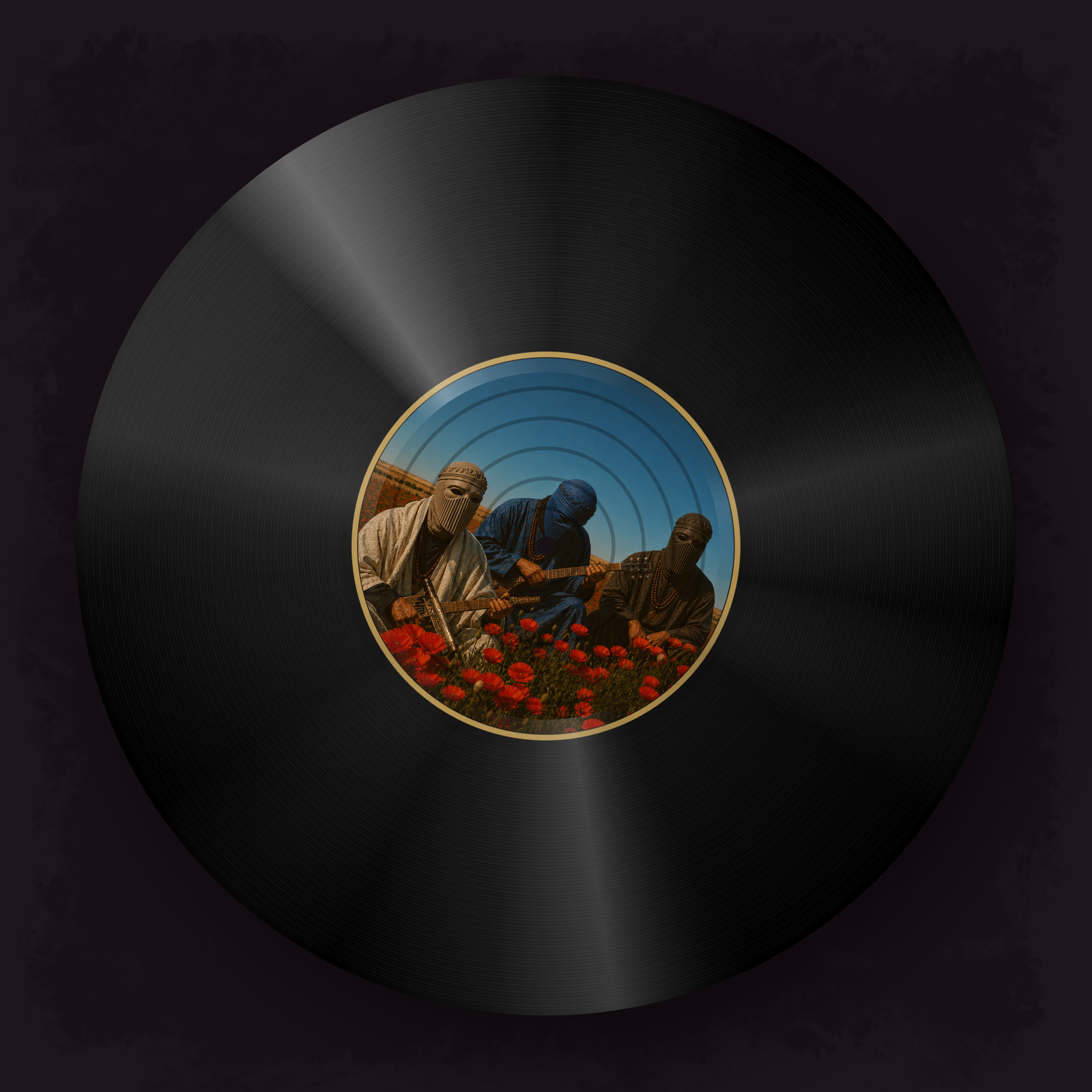
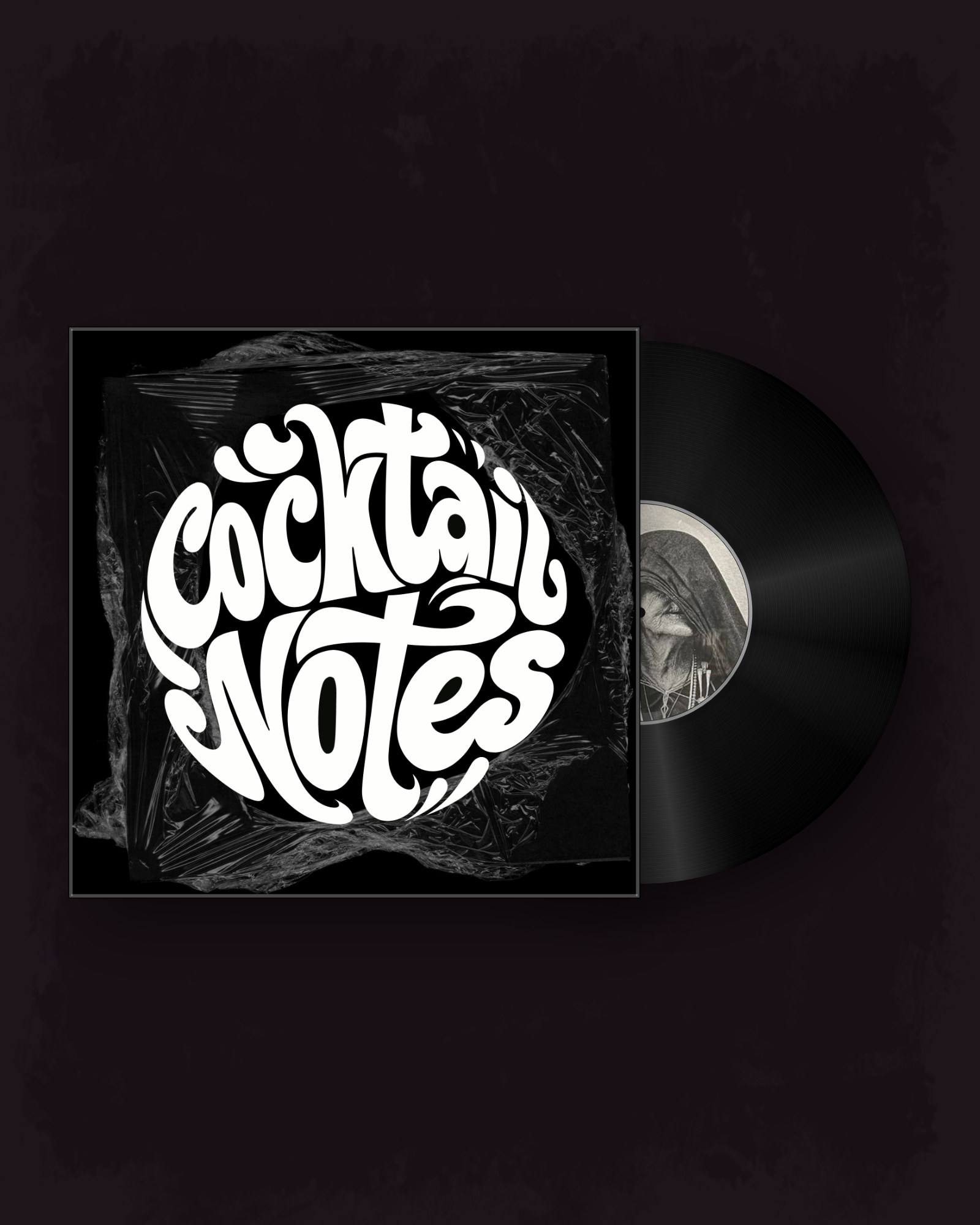
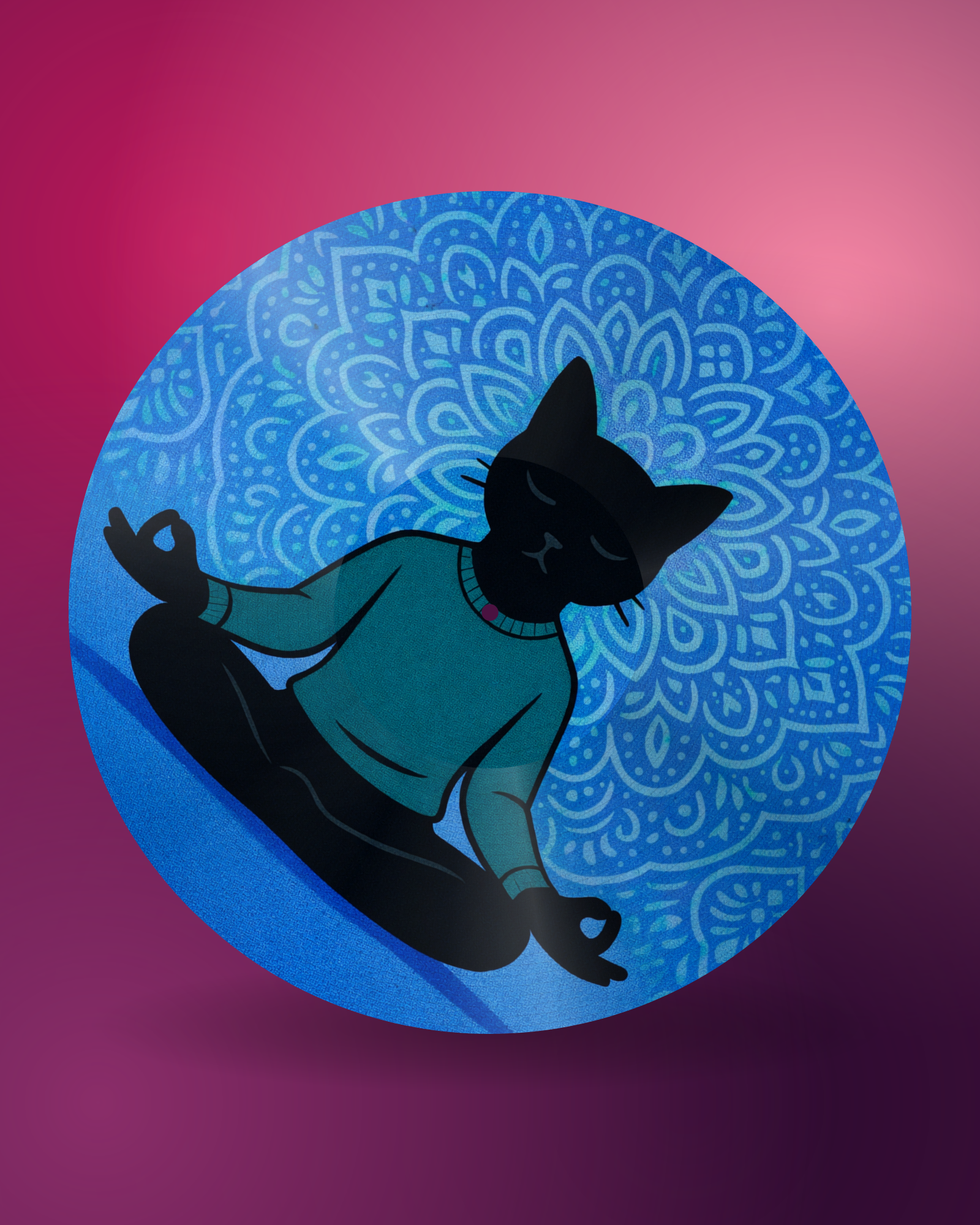
- Choose the pressing. Cover with the record protruding, the inner-sleeve layout, full-face artwork across the vinyl, or label only. Then the finish: classic matte, glossy with a rotating light flash, colored wax, or marble swirl.
- Set the motion. Speed in rpm, duration, and the frame — square for feeds, 9:16 for Reels and TikTok, 16:9 for YouTube. Switch on Perfect loop and the speed snaps to whole rotations, so the animation repeats without a visible jump.
- Add your track. Optional: drop in an MP3 and pick the exact clip with the trim slider. It is muxed straight into the MP4.
- Render and download. Watch the live progress bar, then take the file. Every render is saved to your Downloads automatically, so you can make several versions in one sitting.
No After Effects, no CapCut template, no CSS
Most people hunting for a spinning vinyl animation end up in one of four dead ends. A free After Effects template means installing After Effects, then relinking a composition somebody else built. A CapCut tutorial means redoing the same manual rotation for every release. A Canva trick fakes it with a spinning rectangle and no grooves. And a pure CSS animation spins a div inside a web page — which you cannot upload to Instagram.
After Effects templates
Nothing to install, nothing to relink, no render queue. Swap the artwork and re-export in seconds rather than reopening a project file.
CapCut & Canva tricks
A real pressed record — grooves, label, sleeve, shadow, light — not a rotating rectangle. Plus a genuinely seamless loop, which hand-keyed rotation rarely gets right.
CSS spin animations
CSS spins inside a browser tab. This exports an actual MP4 or GIF — the file you can upload to Instagram, TikTok, YouTube or Discord.
Video, GIF, Canvas or mockup — pick your format
The same artwork can leave here in four shapes, and each one lives somewhere different.
| Format | Best for | Notes |
|---|---|---|
| Spinning vinyl video (MP4) | Instagram, TikTok, YouTube, Facebook | Full HD 40 fps, with your MP3 clip. This page. |
| Spinning vinyl GIF | Discord, Slack, forums, blogs, email signatures | Free with an account. Up to 10 s, silent, loops forever. |
| Spotify Canvas | Behind your track in the Spotify app | Vertical 9:16, 3–8 s, silent, perfectly looped. |
| Vinyl mockup (PNG) | Press kits, stores, pitch decks, merch pages | A still 2000 px image instead of motion. |
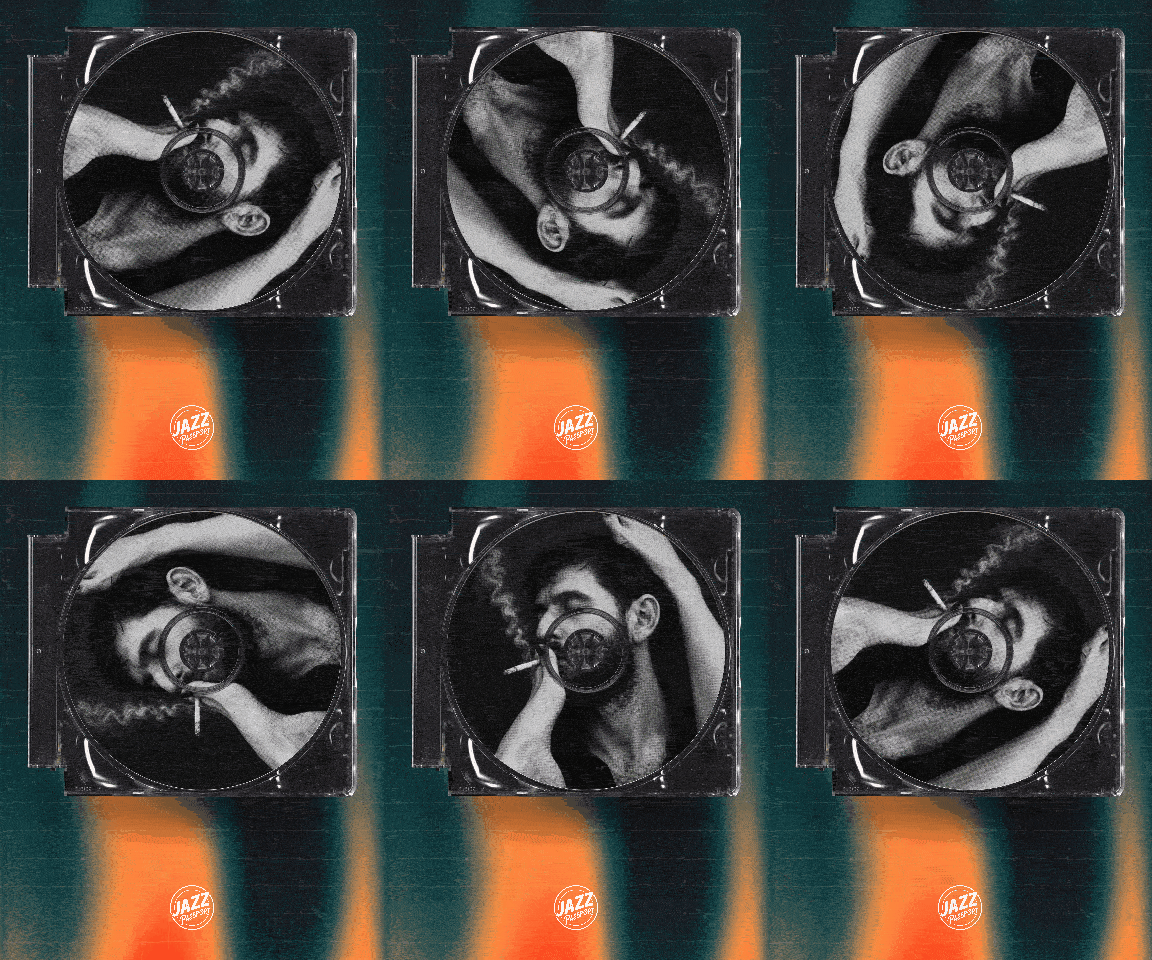
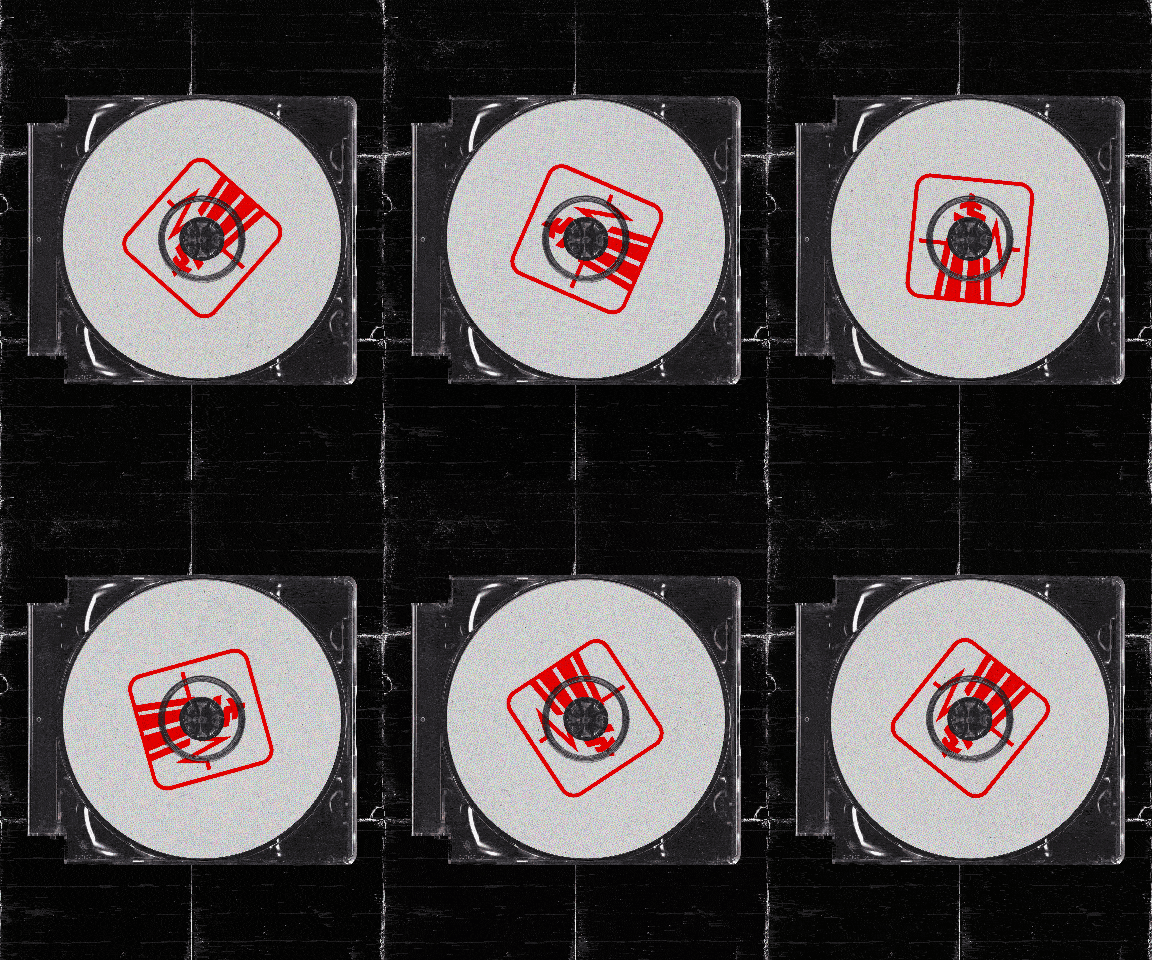
A CD version is one click away too: the spinning CD video maker prints the same artwork across a disc with a rotating rainbow shine — it tends to land better on Y2K-flavoured releases.
Custom covers, backgrounds and record effects
The record is only half the frame. What sells the post is the pressing and the scene around it — so both are yours to shape.
Artwork on every surface
Cover, inner sleeve and record label can each carry a different image — the way a real release does when the label art differs from the sleeve.
Pressings, not filters
Classic matte, glossy with a studio-light flash sweeping across the surface, colored wax in any shade, or a two-tone marble swirl.
Backgrounds that do work
Palette colors, exact hex codes, soft mesh gradients or your own photo — with a floor or drop shadow so the record sits in a space instead of floating.
Sealed-record realism
Plastic shrink-wrap over the sleeve, with wrinkles and light streaks — the still-sealed look collectors recognise instantly.
Why a spinning vinyl video works on social
Static cover art gets scrolled past. A record that actually turns — with your track playing over it — gives a release motion without a music-video budget, and it fits everywhere: vertical for Reels and Shorts, square for the feed, widescreen for YouTube. The loop does the real work: a seamless animation replays endlessly in the feed, and every extra second of watch time is a signal the algorithm reads.
Frequently asked questions
How do I make a spinning vinyl video?
Upload your cover art, pick a layout and finish, set the speed and format, then press Render. The spinning vinyl animation is generated frame by frame in your browser and previewed live before you export it as an MP4.
Is this spinning vinyl generator free?
Designing and previewing are free and unlimited — no account, no card. GIF export is free too once you create an account. Exporting MP4 video requires a plan (Artist from €9.99/mo for unlimited HD, Studio from €14.99/mo for every effect and finish).
Do I need After Effects or a template?
No. There is no project file to download, no plugin, no CapCut template and no Canva workaround — the record, grooves, label, sleeve and lighting are generated here, and you export a finished file.
Can I make a spinning vinyl GIF instead of a video?
Yes — the GIF maker produces a looping spinning vinyl GIF up to 10 seconds, free with an account. GIFs are silent and work where video does not: Discord, Slack, forums, blogs and email signatures.
Which video formats and resolutions can I export?
MP4 (H.264) in 1:1, 4:5, 9:16, 16:9 and 4:3, at Full HD (1920 px long edge, 40 fps). That covers Instagram posts and Reels, TikTok, YouTube and Facebook.
How long can the video be?
2 to 30 seconds — the sweet spot for Reels, TikTok and Shorts. For longer visualizers, export a seamless loop and repeat it in your editor; that is exactly what the Perfect loop option is for.
What makes the loop seamless?
With Perfect loop on, the speed snaps to a whole number of rotations across your chosen duration, so the last frame lands exactly on the first. The speed label shows the real rpm and turn count, so the preview matches the export precisely.
What rotation speed looks realistic?
Real records spin at 33⅓ or 45 rpm, but on a phone screen that reads as frantic. Most creators land between 6 and 20 rpm so the artwork stays legible. Set 0 rpm for a still record with audio.
Can I add music to the spinning vinyl video?
Yes. Upload an MP3 (up to 5 minutes / 12 MB) under Soundtrack and pick the segment with the trim slider — the clip length always equals your video duration. It is encoded to AAC inside the MP4.
What image resolution should my cover art be?
At least 1200×1200 px (2000×2000 px gives extra headroom), saved as a high-quality sRGB JPG or PNG. Smaller files still render but look soft, most visibly on the record label.
Can I use different artwork on the cover, sleeve and label?
Yes — three separate uploads. The cover fills the sleeve, the optional disc image goes on the record label, and the inner-sleeve layout adds a third image on the paper sleeve sliding out.
What are the record finishes?
Classic is a matte black pressing. Glossy adds a studio-light reflection sweeping across the surface as it turns. Color wax presses the record in any color. Marble swirls two tones through the wax. Glossy, Wax and Marble are Studio finishes.
Can I change the background?
Palette colors are free; exact hex codes, soft mesh gradients, photo backgrounds and film textures (grain, speckle, dust) are Studio. Add a floor or drop shadow to ground the record in the scene.
Can I put my logo on the video?
Yes, with Studio: upload a transparent PNG, size it and align it left, center or right along the bottom. It is burned into the rendered file.
Is my artwork uploaded to a server?
Not during rendering — everything happens in your browser, so unreleased artwork never leaves your device. Only the finished file is stored in your Downloads archive.
Why is my file WEBM instead of MP4?
MP4 export uses the browser’s built-in H.264 encoder (Chrome and Edge). Browsers without it, such as Firefox, use the built-in FFmpeg engine instead — every browser gets a standard MP4, Firefox just renders slower. The editor shows a note under the Render button when this path is used; for the fastest exports use Chrome or Edge.
Where do my files go after rendering?
Straight into My downloads on your account, automatically — render several versions in a row and collect them all there. You can delete any file yourself at any time.
What are the background textures?
Studio overlays laid transparently over any background — film grain, speckles or dust — found in the Look section. Pick one of the numbered tiles (hover to preview) or the ✕ tile for none, then set the visibility with the Texture strength slider — every background color reacts differently, so you tune it to your design. It renders exactly as previewed.
Do I get MP4 in Firefox or Safari?
Yes. Browsers without a native H.264 encoder use the built-in FFmpeg engine: every frame is drawn and encoded to MP4 right in the browser, so quality and smoothness match Chrome exactly — the export just takes longer. The first export downloads the engine once (~31 MB). Chrome and Edge encode natively and export in seconds.
What are frame overlays?
Studio overlays that sit on top of the whole video — vignettes, aged film borders, darkened edges. They adapt to every aspect ratio with 9-slice scaling: corners keep their shape, only the edges stretch, so a square frame fits 16:9 or 9:16 perfectly. A strength slider controls how visible the frame is.
Can I use the videos commercially?
Yes — releases, ads, client work and merch. You must own or have licensed the artwork and logo you upload.